Starting from Libero version 3.1.2, it is now possible to create recurring reservations via OBE. Our Customer Support team will help you with the setup.
How to set it up?
Our Customer Support colleagues will activate the feature for you. You then only need to choose for which services you want to enable this option:
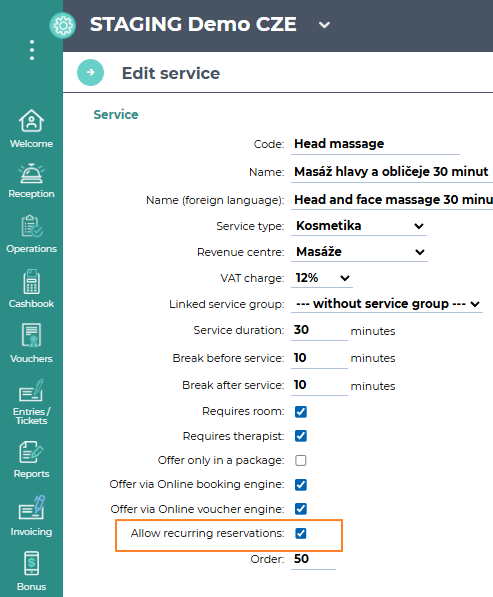
Go to Settings - Products and prices - Services:
- in the detail of the selected service, tick the Allow recurring reservations checkbox and save
What does it look like?
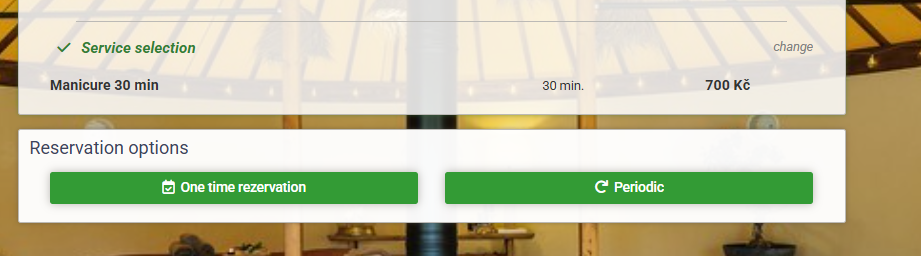
In OBE, the guest can then choose for the selected service whether they want a standard one-time reservation or a recurring one:
Periodic:
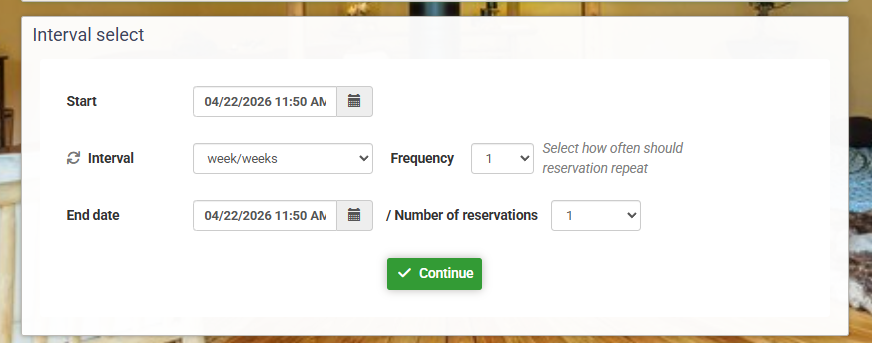
They then proceed with completing the reservation as usual.
In Libero:
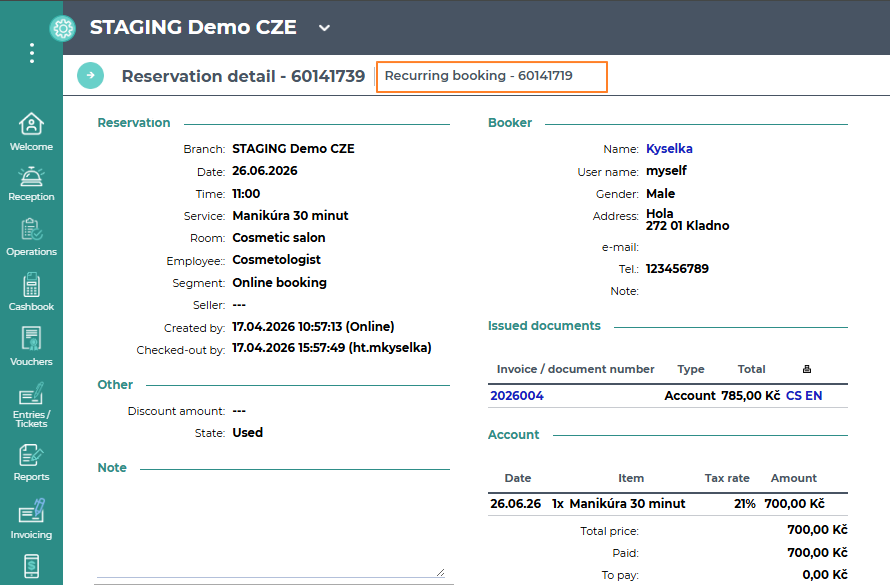
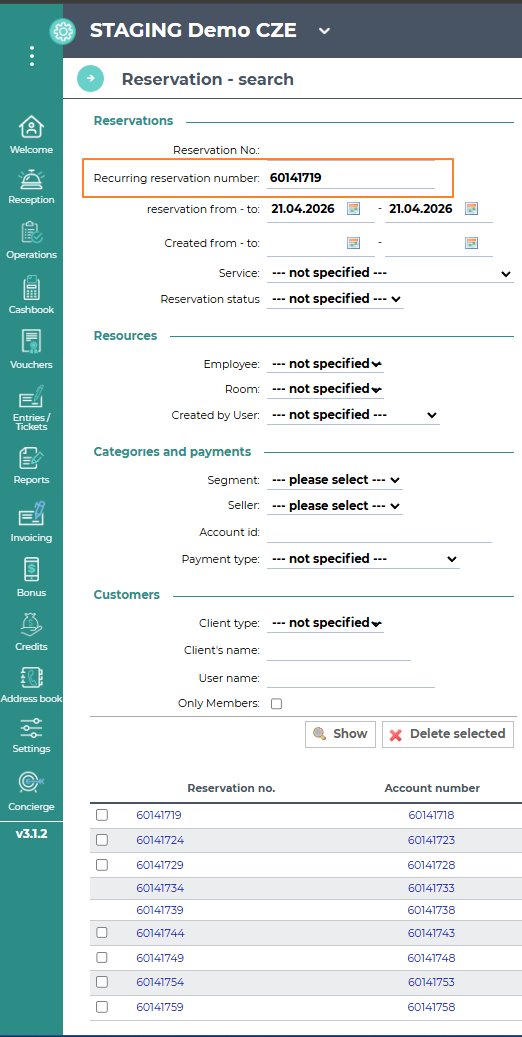
Click the Recurring reservation number and you will be redirected to the list of reservations containing all reservations that belong to the entire Recurring reservation.